Timeline editing
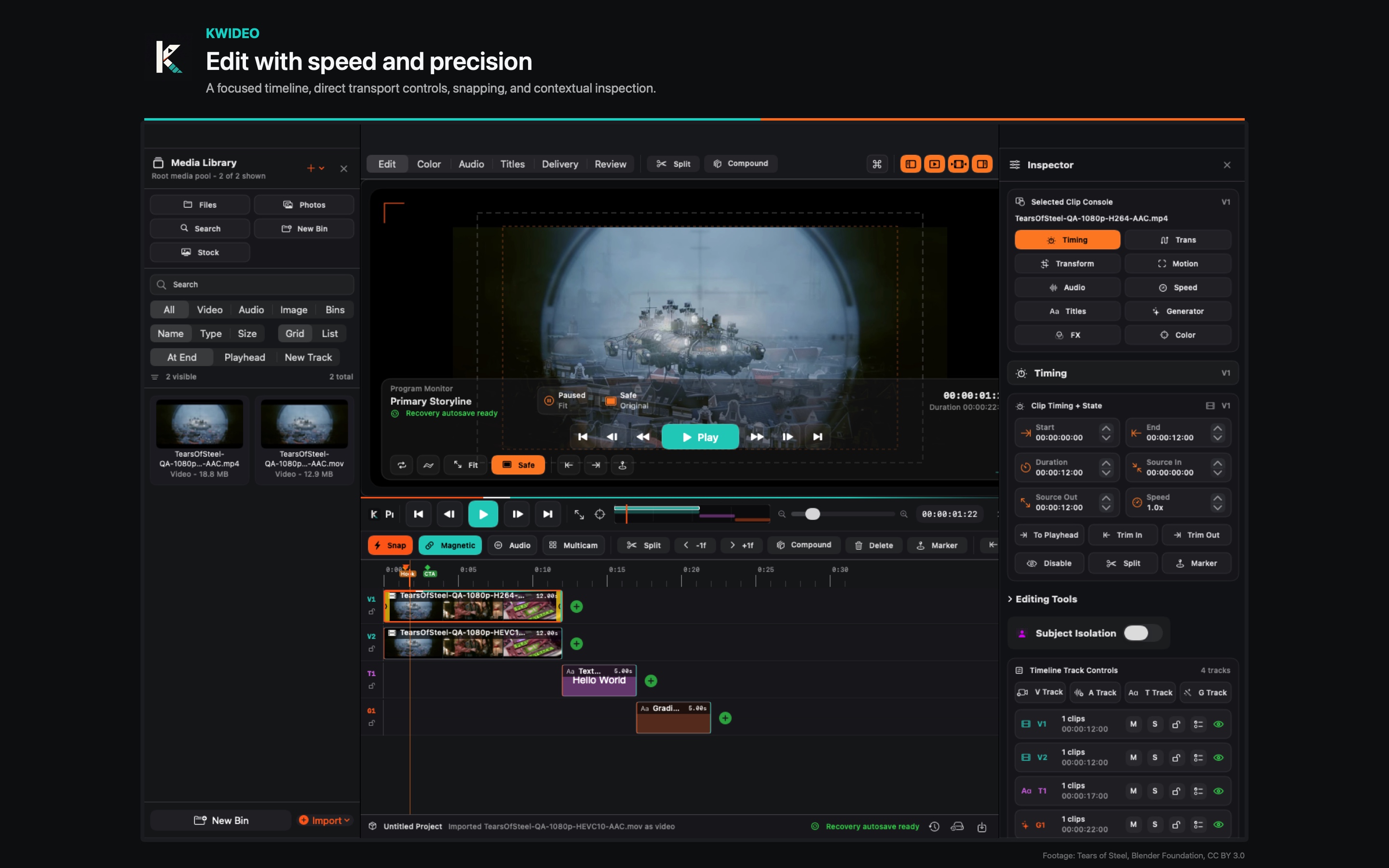
Selection, blade, ripple, roll, slip, slide, insert, overwrite, append, lift, extract, markers, snapping, locks, mute, solo, and visible clip state.
A timeline video editor for Mac and iPad. Native builds, screenshots, preview media, support documentation, and privacy information are prepared for App Store submission.
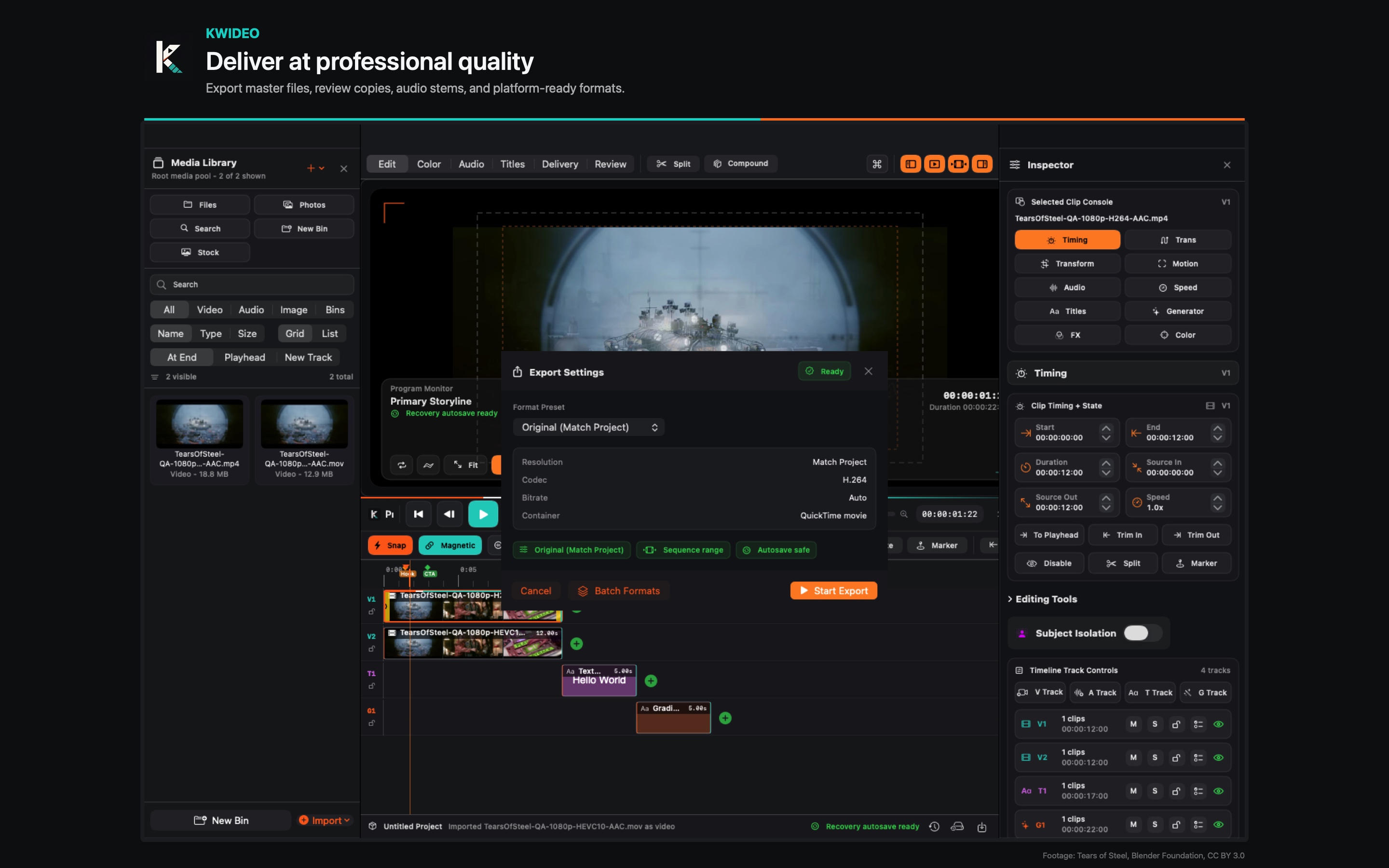
Import media, edit on the timeline, finish picture and sound, recover project state, and export with defined quality and destination settings.
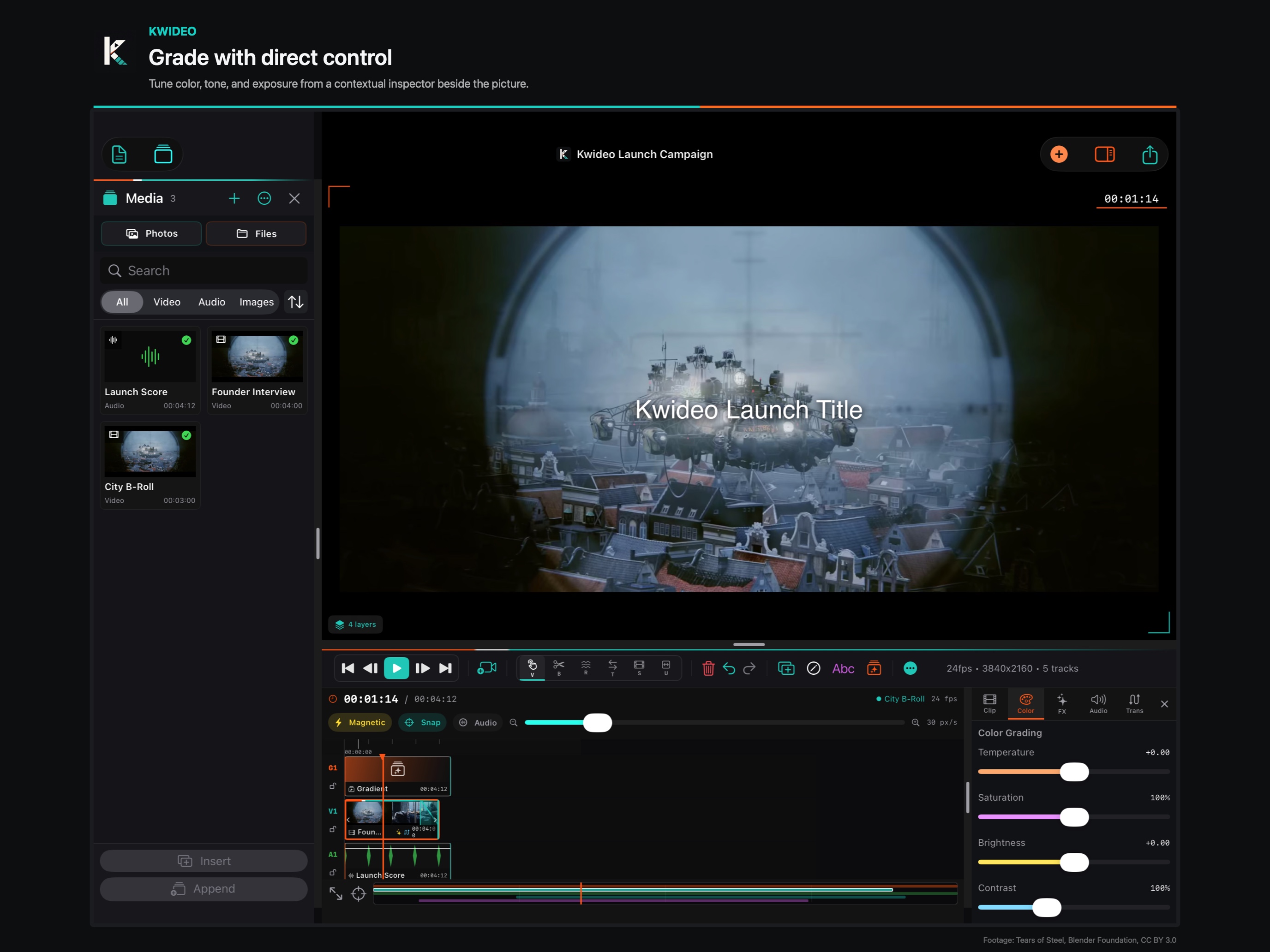
Kwideo includes timeline editing, effects, audio, media management, project recovery, interchange, and export.
Selection, blade, ripple, roll, slip, slide, insert, overwrite, append, lift, extract, markers, snapping, locks, mute, solo, and visible clip state.
Transform, crop, compositing, speed, stabilization, keying, masks, motion tracking, effect stacks, scopes, LUTs, and managed color workflows.
Clip gain, fades, automation, dialogue focus, meters, loudness review, buses, stem delivery, and compatible Mac plug-in workflows.
Photos and Files import, relink, proxies, portable packages, Blackmagic RAW support, Mac RED R3D support, FCPXML, EDL, and OpenTimelineIO interchange.
Manual saves, autosave recovery, recent-project reopening, timeline snapshots, unsupported-media diagnostics, and clear recovery steps.
H.264, HEVC, ProRes, HDR, image, audio, caption, stem, and platform-ready deliverables with explicit quality and destination controls.
Workspace, media, timeline editing, picture finishing, audio, multicam, interchange, delivery, recovery, and input reference.
Open guide SupportProject recovery, rejected media, camera RAW, playback, export, Mac plug-ins, and support contact details.
Open support PrivacyLocal editing, file handling, optional Frame.io account use, permissions, retention, and security practices.
Open privacy TermsApp Store license terms, user responsibilities, support boundaries, third-party services, and contact route.
Open terms